Shot Scope LM1 Review: My Honest Thoughts

Disclaimer: This post may contain affiliate links. As an Amazon Associate, I earn from qualifying purchases—at no extra cost to you.
Launch monitors have come a long way in the last few years. What used to cost thousands of dollars is now available at a fraction of the price—but that’s also created a new problem…
Too many options, too much data, and not enough clarity on what actually helps your game.
As a golf writer and someone who’s tested a ton of launch monitors since 2017, I’ve seen it all—from high-end Trackman units to budget-friendly devices you can throw in your golf bag.
And honestly, most golfers don’t need all the extra bells and whistles. They just need the right numbers. That’s where the Shot Scope LM1 comes in.
In this Shot Scope LM1 review, I’ll break down:
- Features and ways to use it
- How it compares to other popular launch monitors
- Who it's for and whether it’s actually worth it for your game

Shot Scope LM1 Review
The Shot Scope LM1 is designed to be a simple, affordable launch monitor that gives you the key numbers without overcomplicating things. It’s not trying to compete with high-end simulator units.
Instead, it focuses on what most golfers actually need—reliable data, easy setup, and a price that makes sense.
First Impressions
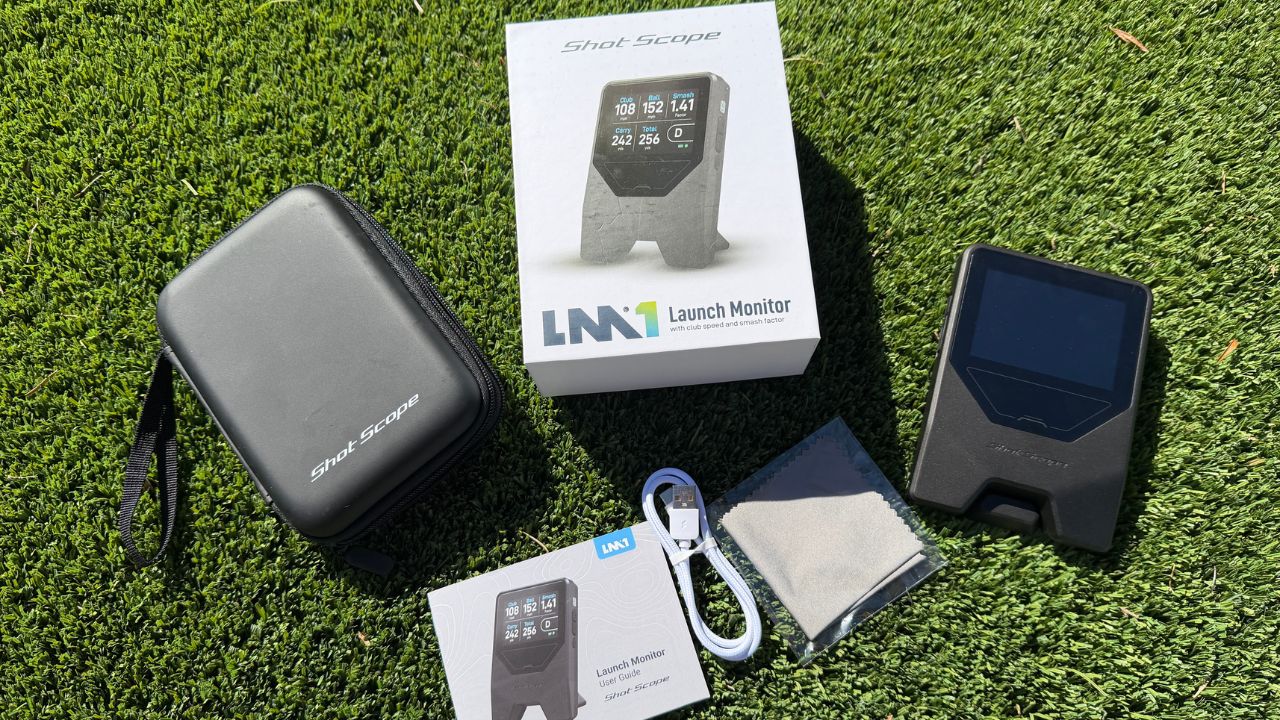
I first saw the ShotScope LM1 at the 2026 PGA Show and honestly couldn’t believe how small it was. It’s about the size of your phone, maybe just a little wider.
Right away, I noticed how clear the display was and how simple it looked to use. That stood out to me because most launch monitors feel bulky or require a full setup. This felt like something you could just throw in your bag and use anytime.
And that matters more than people think. Because when it comes to training aids or launch monitors, the easier something is to use, the more often you’ll actually use it.
The more you use it, the more your game improves.
What the Shot Scope LM1 Measures
The Shot Scope LM1 focuses on the core data points that actually help you improve:
- Club speed
- Ball speed
- Smash factor
- Carry distance
- Total distance
No overload. Just the numbers you need to understand your distances and track progress.
As I talk about in Wicked Smart Golf, one of the most important things you can do is know your distances. That alone can lead to better decisions, more greens in regulation, and lower scores.
What I like about the LM1 is that it keeps things simple. There’s no complexity with apps or extra distractions.
You’re not digging through data you don’t understand. You’re focused on the core numbers that actually matter—which makes it much easier to stay consistent and improve over time.
Multiple Uses
One of the biggest advantages of the LM1 is how versatile it is. It has three distinct modes:
- On course
- Driving range
- Speed training
This is a huge perk because most launch monitors are limited. They’re either:
- Built mainly for the range
- Too bulky to take on the course
- Or don’t work well for speed training without hitting a ball
The LM1 solves that. It’s designed to fit into how you actually practice and play—not force you into one environment.

Speed Training
If you’ve followed my content, you know I’m big on speed training. Because speed = potential to score.
The faster you swing, the shorter your approach shots, and the more opportunities you have to hit greens and make birdies. But unfortunately, some personal launch monitors do not measure speed when you’re making air-only swings with speed trainers.
The LM1 works great with popular speed trainers like Rypstick (the best air speed trainer in golf, IMO), SuperSpeed, Speed Toad, or The Stack System.
You can track your club speed and ball speed in real time and actually see your progress.
That’s a big deal. Because speed training without feedback is just guessing.
This gives you objective data so you know if what you’re doing is actually working.
Driving Range
This is where most golfers will use it the most, and it performs really well outdoors. You don’t need to attach stickers, use special balls, or mess with a complicated setup.
Just place it 4-5 feet behind the ball, start hitting, and it picks everything up cleanly. It’s perfect for:
- Dialing in distances
- Tracking consistency
- Understanding your carry numbers
- Tracking speed when hitting the driver and measuring gains
And again, it keeps things simple—which is a big advantage over more complex systems.

On Course
This is an underrated feature. Most golfers never bring a launch monitor on the course…
But they should. Practicing on the course with your actual golf ball, real lies, and real conditions is one of the best ways to improve.
The LM1 makes that possible. During a casual round, you can:
- Measure your distances in real situations
- Learn how far you actually hit each club
- And start building more confidence in your numbers
That’s how you bridge the gap between the range and the course. And ultimately, that’s what leads to lower scores.
Similar Low-Cost Launch Monitors
There are a lot of solid launch monitors in this price range. I’ve tested most of them over the years, and while they all do similar things on the surface, they’re actually built for slightly different types of golfers.
Here’s how the Shot Scope LM1 stacks up against some of the most popular options.
PRGR
The PRGR has been around for a while and is one of the most well-known budget launch monitors. It’s simple, affordable, and gets the job done for dialing in distances and speed training.
You’ll get the same core numbers—club speed, ball speed, smash factor, and distance—which is really all most golfers need. But compared to the LM1, it feels more limited.
It’s mainly a speed training and range tool. It doesn’t really have the same versatility for on-course use, and the overall experience just feels a bit more basic.
If you’re only looking for something cheap to track speed, it’s fine. But if you want something you can use across your entire game—range, course, and training—the LM1 is the better option. Lookwise, the LM1 wins all day with the clear display.
Voice Caddie SC200 Plus
The SC200 Plus is another popular option and one I’ve used quite a bit. It’s very similar to the LM1 in terms of the data it provides and overall simplicity.
You get instant feedback, it’s easy to use, and it works well on the range and for speed training.
Voice Caddie SC300i
The SC300i is the more advanced option in this category. It gives you more data, connects to an app, and is better suited for golfers who want a deeper analysis.
I’ve taken it on the course for years and found it to be very accurate, but sometimes it doesn't pick up on my shots.
However, the big difference with the SC300i is that it’s not built for speed training. It works great when you’re hitting balls and analyzing your numbers.
But if you’re doing overspeed training or trying to track swings without a ball, it doesn’t work.
That’s where the LM1 actually has an advantage. It keeps things simple and allows you the flexibility to use it in more situations.

My Experience
I loved my first impression of the LM1 at the PGA Show… But I liked it even more once I actually started using it.
On the range and hitting into a net, it’s incredibly easy. Set it down, hit a few shots, and instantly get feedback on your numbers.
No setup headaches, no overthinking—just simple, useful data. I compared it to a Trackman and found very accurate comparisons (not bad considering it's a $25,000 launch monitor). I found the wedges/irons were very accurate!
But the driver carry distance (when hitting into a screen) did seem a bit off. The ball and club speed were very similar, but I'll need to test it vs. other budget launch monitors outdoors as well.
Where I really liked it for golfers is the speed training aspect. Being able to track club speed while using tools like Rypstick or other speed trainers is a game changer.
You’re not guessing if you’re getting faster… you actually know. That makes your training way more effective.
I also like how easy it is to keep in your bag and bring on the course. Most golfers never think to use a launch monitor during a round, but it’s one of the best ways to learn your real distances.
This makes it simple enough to actually do that.
Closing Thoughts
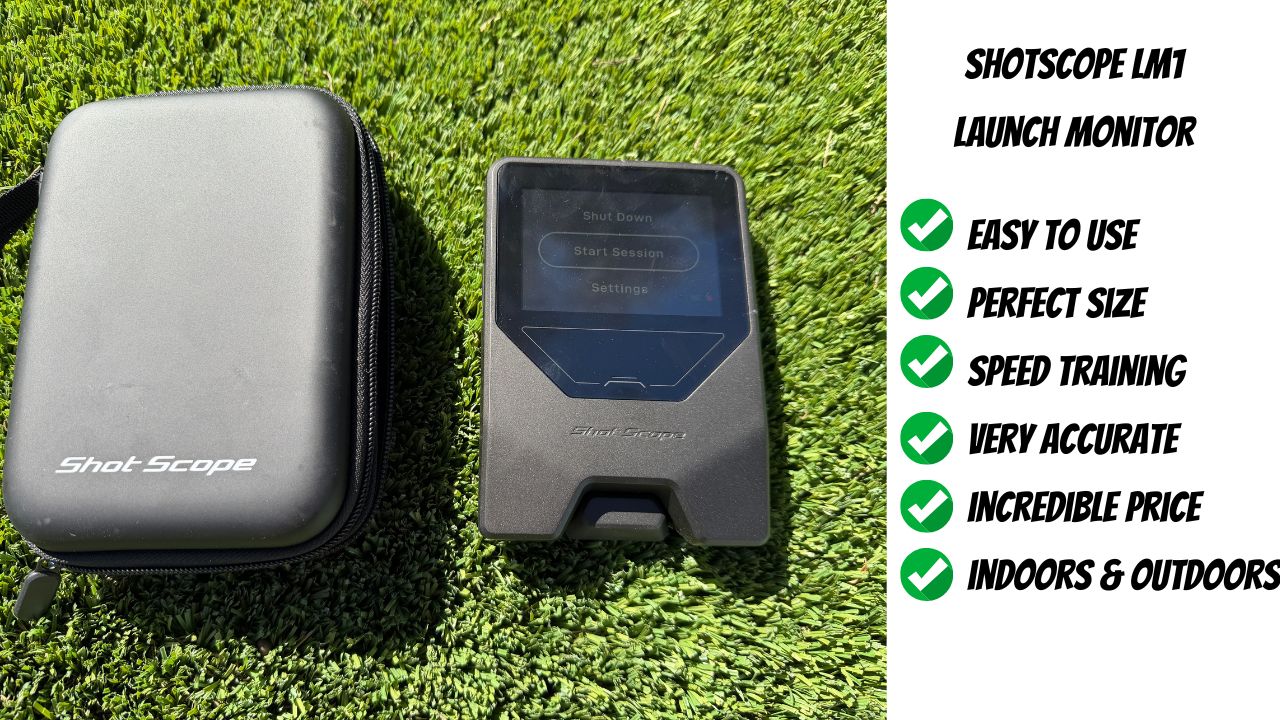
The LM1 is a simple, portable launch monitor designed to give you the core data you actually need—without the high price tag or ongoing subscription fees. I think plenty of golfers can benefit from this investment.
It’s:
- Affordable
- Easy to use
- And helps with multiple areas of your game
From dialing in distances to improving speed to learning your numbers on the course. It’s one of those tools that just makes sense.
You don’t need something complicated. You need something you’ll actually use.
And the Shot Scope LM1 checks that box. At this price point, it’s honestly a no-brainer for golfers who want to improve.